
Problem:
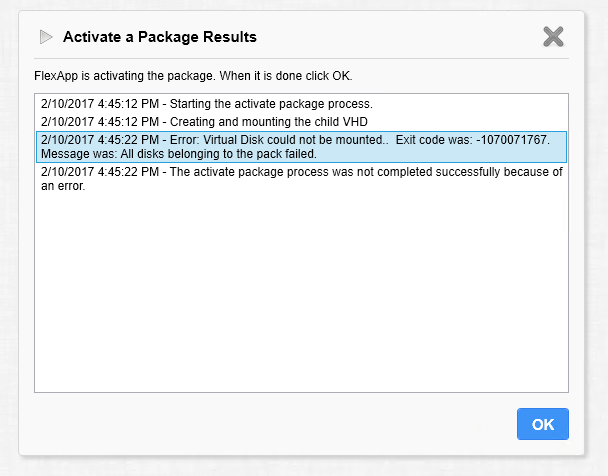
When trying to Re-Activate the pack after capture on windows 10, disks might fail to replay
Error: Virtual Disk could not be mounted. Exit code was: -1070071767. Message was: All disks belonging to the pack failed.
The activate package process was not completed successfully because of an error.
Symptoms:
Possible Resolution:
If this happens follow the steps below:
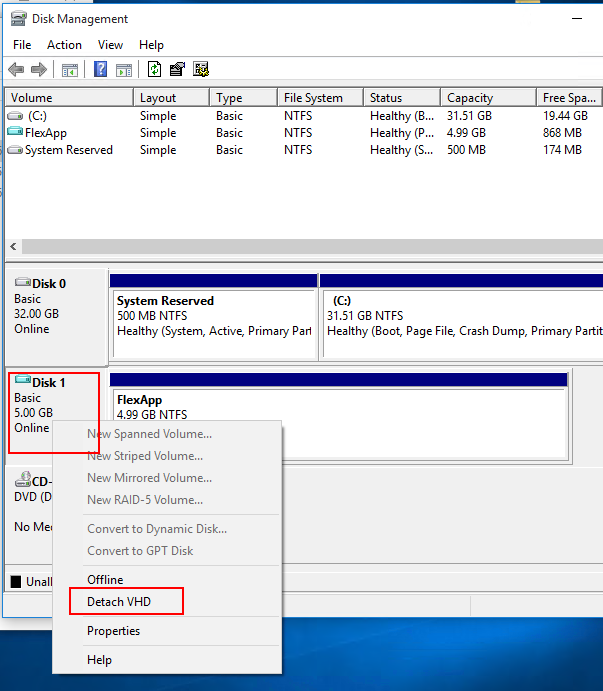
- Open "Disk Management" on FPC (FlexApp Packaging Console)
- Find disk labeled "FlexApp" (usually Disk 1)
- Right click on "Disk 1 Basic 5.00 GB Online" grey box.
- Select "Detach VHD"
Example:
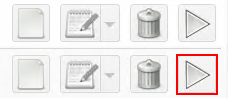
Attempt to play back the package by pressing the "Activate" button:
Product: ProfileUnity
Product Version: 6.5.9